Welche Hardware-Upgrades sind verfügbar?
Neben den Software- und Hardware-Upgrades für epBlue bieten wir verschiedene Verbesserungen für die epMotion-Systeme an, darunter:
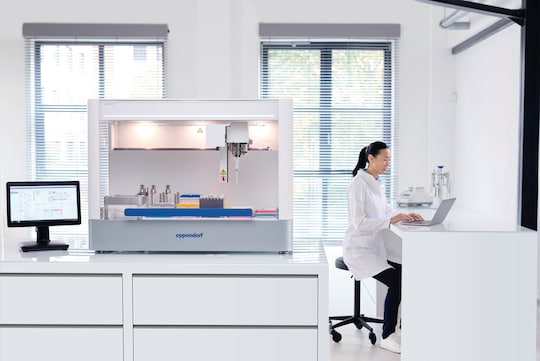
CleanCap – ein UV-Lampen- und Luftfiltersystem für epMotion® 5073 und epMotion® 5075, das das Pipettieren in einer keimreduzierten Umgebung ermöglicht.
Arbeitsflächenadapter – kann unter Ihrer Workstation festgeschraubt werden, um die Arbeitshöhe um 5,5 cm auf maximal 16,5 cm zu erhöhen.*
UV-Abschirmungen für Abfalleimer – ermöglichen die Verwendung von UV-Licht durch eine erhöhte Abfallkapazität. Beinhaltet außerdem Arbeitsflächenadapter und ersetzt die Metallplatte unter dem Abfall.*
Thermomodul – zum Heizen oder Kühlen von Thermoadaptern, Thermoblocks und Thermoracks innerhalb des Temperaturbereichs von 0 – 110 °C.
Sehen Sie sich die einzelnen Produkte oben auf der Seite an, um mehr über die verschiedenen epBlue-Softwarepakete und Upgrades für epMotion-Geräte zu erfahren.
*Diese Hardware-Upgrades gelten nur für epMotion-Systeme, die mit der epBlue-Software ausgestattet sind.
Arbeiten Sie in regulierten Umgebungen? Upgrade auf epBlue GxP-Software!
Das „Enhanced Feature Set GxP“ für die epBlue-Software wurde entwickelt, um die Einhaltung von 21 CFR Part 11, EU GMP Annex 11 und GAMP 5 zu unterstützen. epBlue GxP bietet die folgenden Funktionen, mit denen Sie in regulierten Umgebungen Zeit sparen und mehr Sicherheit gewinnen können:
epBlue-Zugriffskontrolle und -Nutzerverwaltung
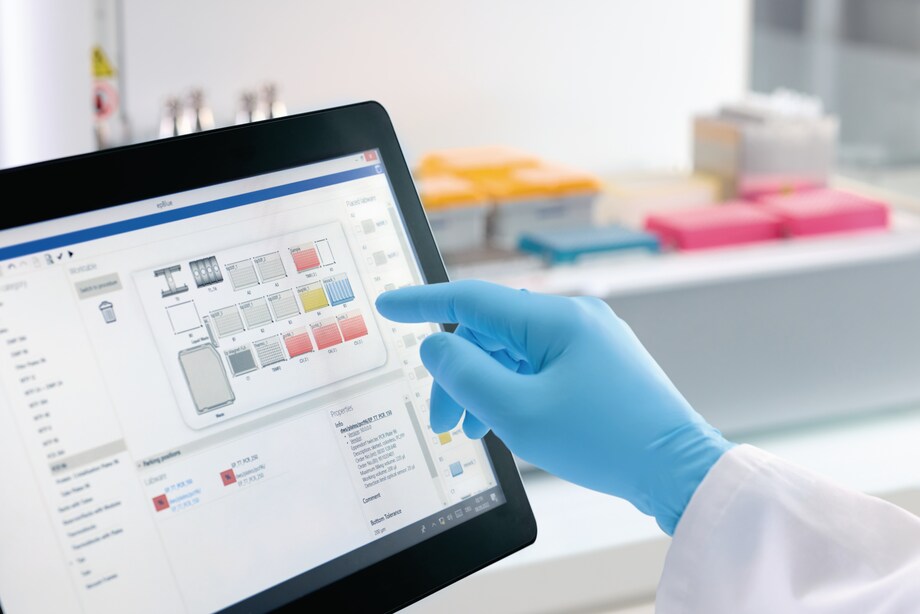
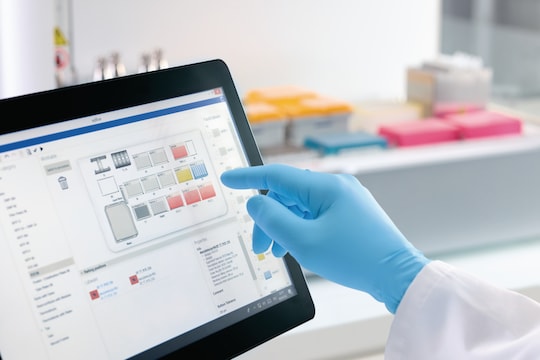
Die Bedienung von Liquid-Handling-Systemen über einen Touchscreen vereinfacht die Programmierung. Nur Nutzer mit einer gültigen Nutzer-ID und einem gültigen Passwort können Anwendungen erstellen oder ausführen bzw. auf elektronische Aufzeichnungen zugreifen. Fünf verschiedene Nutzerebenen (Admin, Admin Lab, User Level 1, User Level 2, Guest) spiegeln eine große Vielfalt an gesetzlich vorgeschriebenen Rollen und Organisationsstrukturen wider und bieten Ihnen so Flexibilität. Zusätzliche Sicherheitsfunktionen wie eine automatische Sperre nach einer bestimmten Zeit der Inaktivität sind verfügbar, um unbefugten Zugriff zu verhindern.
Vollständige elektronische Dokumentation
Mit epBlue GxP können Sie aus einer Vielzahl von Dokumenttypen digital signierte PDF-Dateien erstellen. Die Software erfasst die Änderungshistorie von Pipettieranwendungen und sorgt so für Transparenz und einen guten Überblick. Sie erfasst und sichert ausdrücklich den Status von Signaturen, darunter „nicht signiert“, „erstellt“, „geprüft“ und „genehmigt“.
Es werden Protokolldateien aller Prozesse und Vorgänge aufgezeichnet, und alle Nutzeraktivitäten werden in einem automatisch generierten und mit einem Zeitstempel versehenen Audit-Trail dokumentiert. Dieser Audit-Trail enthält auch Angaben zur Nutzerverwaltung und zu Sicherheitsverstößen. Sie können Filtereinstellungen anwenden, um die Details der für Sie relevanten Teile des Audit-Trails schnell einzusehen.
Datensicherheit und -integrität
Die Software epBlue gewährleistet die Integrität aller elektronischen Aufzeichnungen, indem sie diese vor Änderungen oder Löschungen innerhalb des Datenbanksystems schützt. Daten können als digital signierte Dokumente im Klartext exportiert und archiviert werden. Jeder Datensatz enthält eine vollständige, nachvollziehbare Historie und einen klar definierten Dokumentstatus. Die Software verwendet digitale Zertifikate nach Industriestandard für Nutzer, Systeme und Master-Zugangsdaten. Diese Zertifikate lassen sich einfach generieren und ermöglichen eine zuverlässige Überprüfung elektronischer Signaturen in exportierten PDF-Dokumenten – selbst auf externen Systemen, wie sie beispielsweise von Behörden (z. B. der FDA oder der EMA) verwendet werden.
Workflow-Management für elektronische Signaturen
Alle kritischen Nutzeraktionen müssen dokumentiert und durch digitale Signaturen bestätigt werden. Der Workflow kann so konfiguriert werden, dass bei wichtigen Schritten, wie beispielsweise der Erstellung und der Überprüfung, Signaturen erforderlich sind. Jede Anwendung hält diesen vorkonfigurieren Workflow ein. So wird sichergestellt, dass jeder Schritt im Prüfzyklus von einem vordefinierten Nutzer signiert wird. Mehrere Nutzer können elektronisch signieren, ohne dass sich der vorherige Nutzer abmelden muss. Das erhöht den Komfort und die Effizienz.
Weitere Informationen zu epBlue GxP und anderen epBlue-Software-Upgrades finden Sie in unserer
Produktbroschüre.
Integrieren Sie Ihre mit Barcodes versehenen Proben, Platten und Reagenzien mit epBlue ID
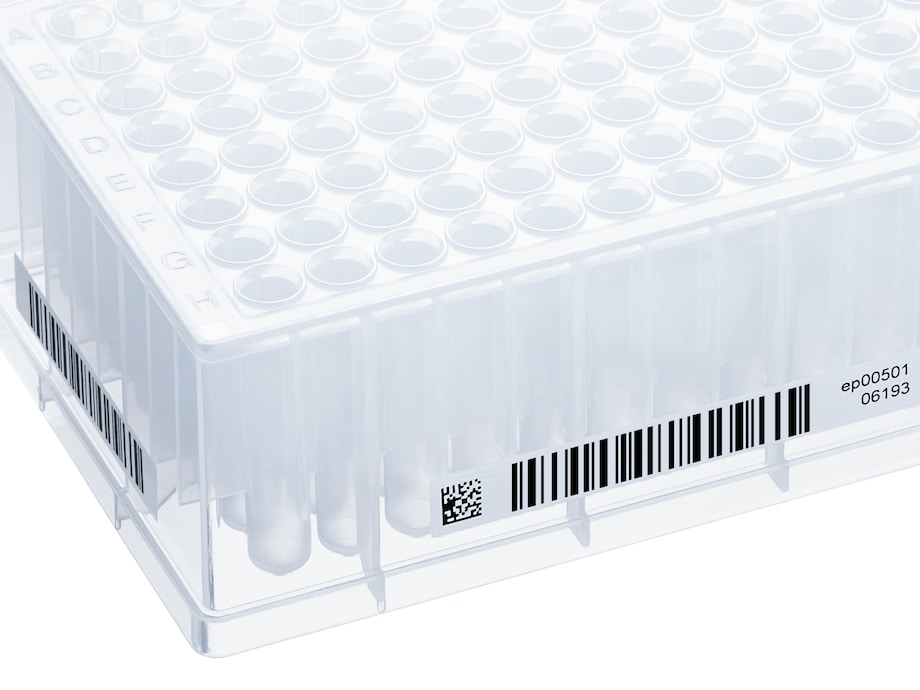
epBlue ID ist ein Softwaremodul, das zur epBlue GxP-Software hinzugefügt werden kann. Dieses Add-on umfasst außerdem einen manuellen Barcode-Reader, sodass mit Barcodes versehene Proben, Platten und Reagenzien erfasst und dokumentiert werden können. epBlue ID ist mit den vom LIMS generierten Arbeitslisten kompatibel und beugt Fehlern vor, indem die Proben vor und nach der Verarbeitung manuell gescannt und überprüft werden.
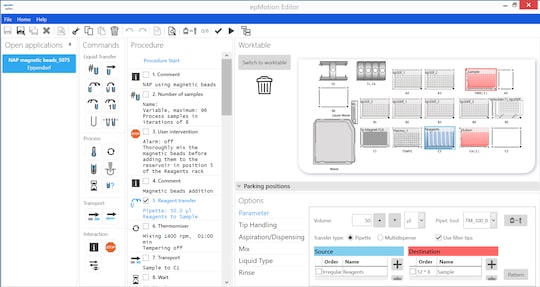
epMotion® Editor – Sonderversion von epBlue
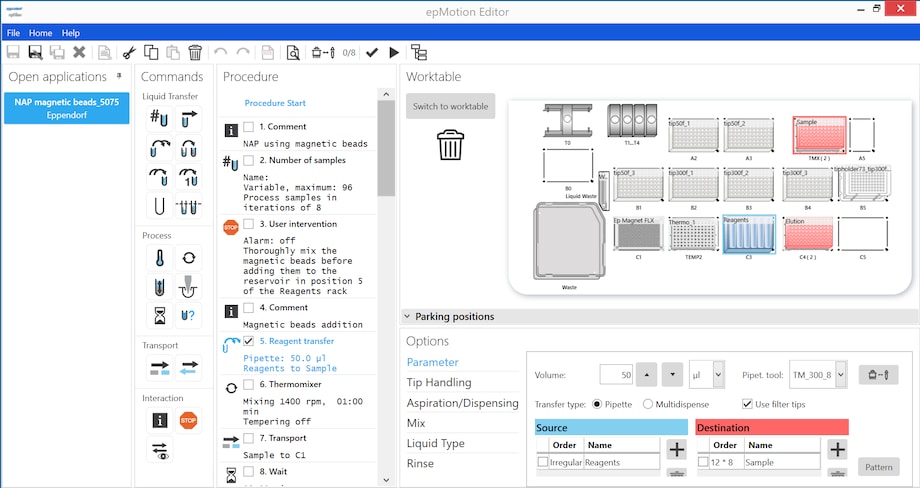
epMotion Editor ist eine Sonderversion der epBlue-Software. Es handelt sich um ein eigenständiges PC-Programm, mit dem Sie Anwendungen erstellen und bearbeiten sowie Protokolle oder Methoden auf Ihrem eigenen PC simulieren können.